
LESSON 04Daily workflows
A day in the Tuolen support inbox
Find the right conversation, understand the full history, and turn everyday support work into better answers.
What you’ll take away
- Filter conversations by agent and source.
- Read the full context before deciding what to do next.
- Know where takeover, reply, resolve, and transcript controls live.
- Use repeated questions to improve instructions and knowledge.
Make it your own.
Open Conversations, choose the relevant agent, and review the history before taking action.
Try this in Tuolen Sign-in and the appropriate workspace access are required.Read the full transcript
Prefer to read? Here’s the narration, organized by chapter.
A calmer support workflow
A busy inbox doesn't have to feel chaotic. Let's walk through a day in the Tuolen support inbox: finding the right conversation, understanding what's happened, and knowing when a person should step in.
Find the right conversation
Open Conversations. Start with the agent filter, then narrow the source if you need to. Here, we're looking at Cedar Support, our fictional store assistant. Filtering first gives you a smaller, more useful view of the work in front of you.
Read the whole conversation
Open a conversation and read the history before replying. Notice the source, current status, and which agent handled it. In this real demo exchange, the visitor asks about returns, then a lifetime warranty. Those are two different needs, so don't answer only the first question.
The assistant explains the return policy, but admits it doesn't have warranty information. That's your cue to investigate, not invent an answer. Ask yourself: can the approved knowledge answer this, or does someone on the team need to check? Use that decision to choose the next step.
Know when a person should step in
Take Over is the control for an eligible support agent to take an active conversation. It depends on your support access, availability, and capacity. Routed queue conversations have their own offer flow. We're showing where the control lives, not performing a live handoff in this lesson.
Write a helpful reply
Keep your reply human and specific. Acknowledge the question, ask which product they mean, and explain what you'll check next. This example is only an unsent draft. Before sending anything, confirm you're in the right conversation and that your reply doesn't promise something your team hasn't approved.
Resolve and handle transcripts
Resolve is the next control to know, but closing a conversation isn't the same as helping the customer. Use it when the issue is actually handled, following your team's process. The conversation menu also offers transcript actions. Share transcripts only with approved people, because they can contain customer information.
Turn conversations into improvements
As you review conversations, look for patterns: repeated questions, missing policies, or moments where customers get stuck. Turn those observations into better knowledge and clearer instructions. The inbox isn't just where work ends. It's one of the best places to learn what your agent needs next.
Your daily inbox rhythm
That's the rhythm: filter, understand, help, and close the loop. Keep the customer context with you, and let each conversation improve the next one. Visit Tuolen dot com.
 Duration 2:45
Daily workflowsLesson 05
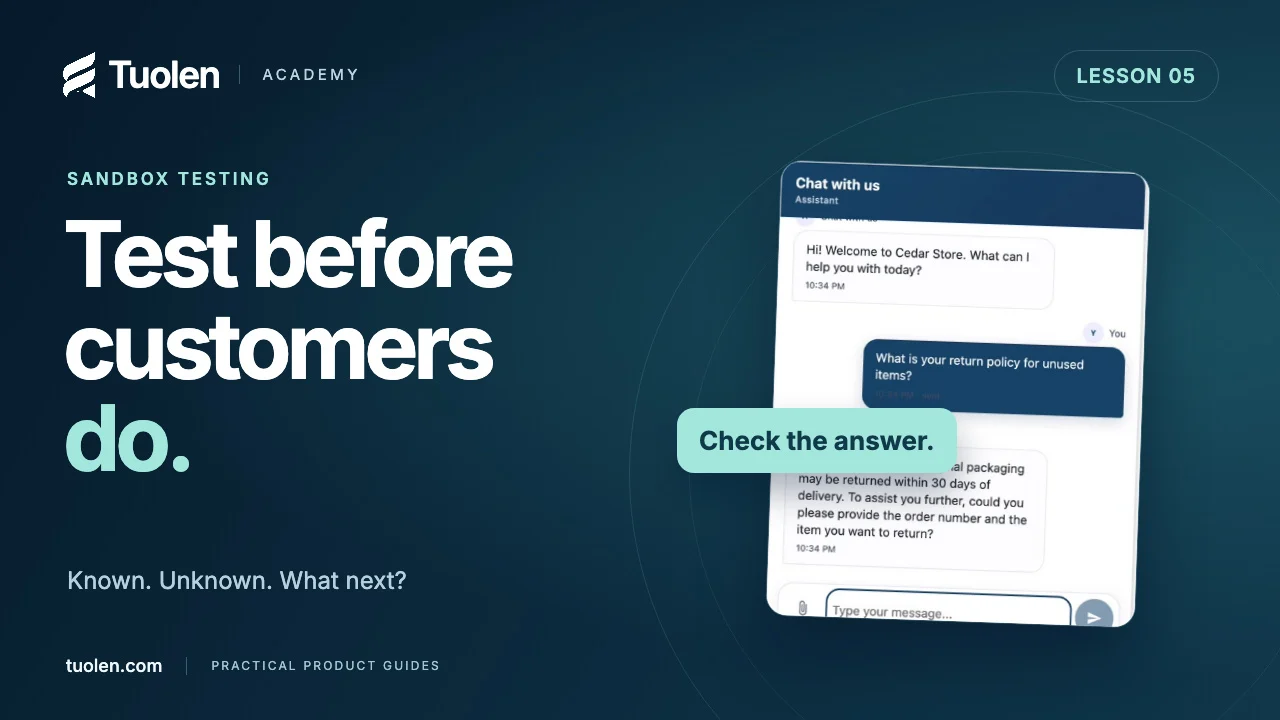
Test your AI agent before customers do
Build a small, repeatable test set for known answers, missing knowledge, policy exceptions, and requests for a person.
Watch tutorial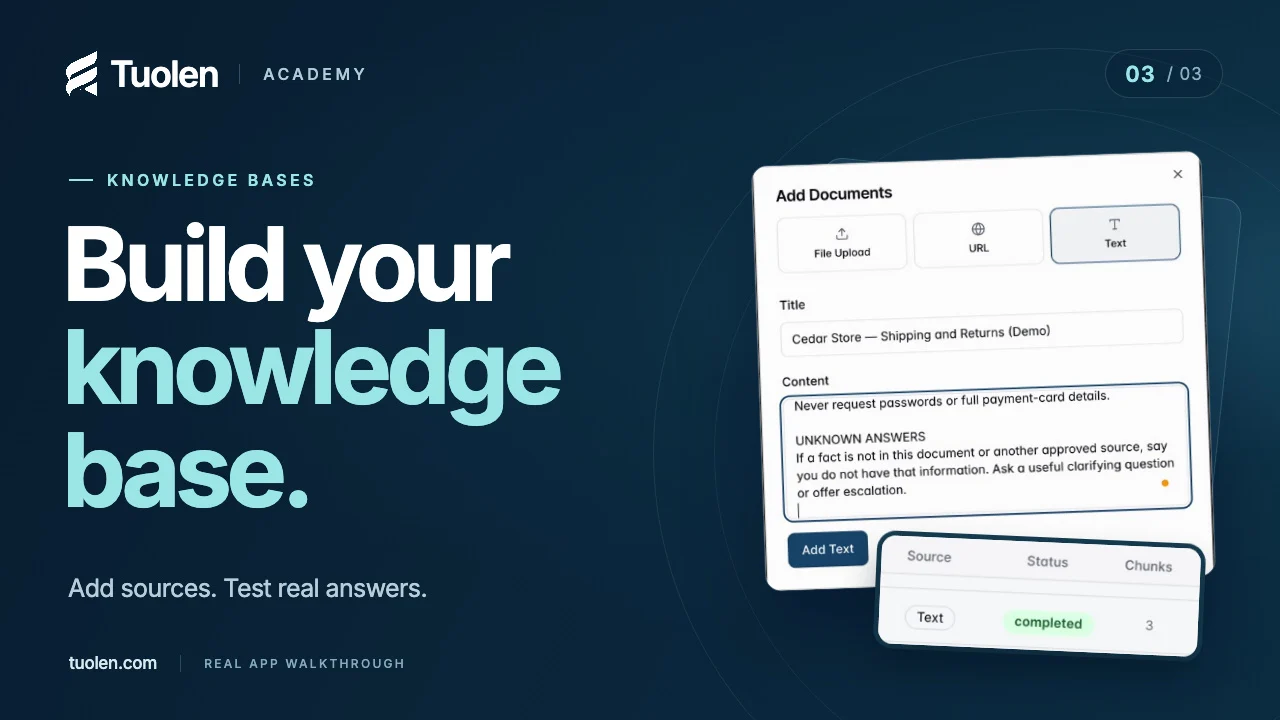 Duration 3:10
Getting startedLesson 03
Give your agent the right knowledge
Add approved business information, verify processing, and test answers against the source—not just how confident they sound.
Watch tutorial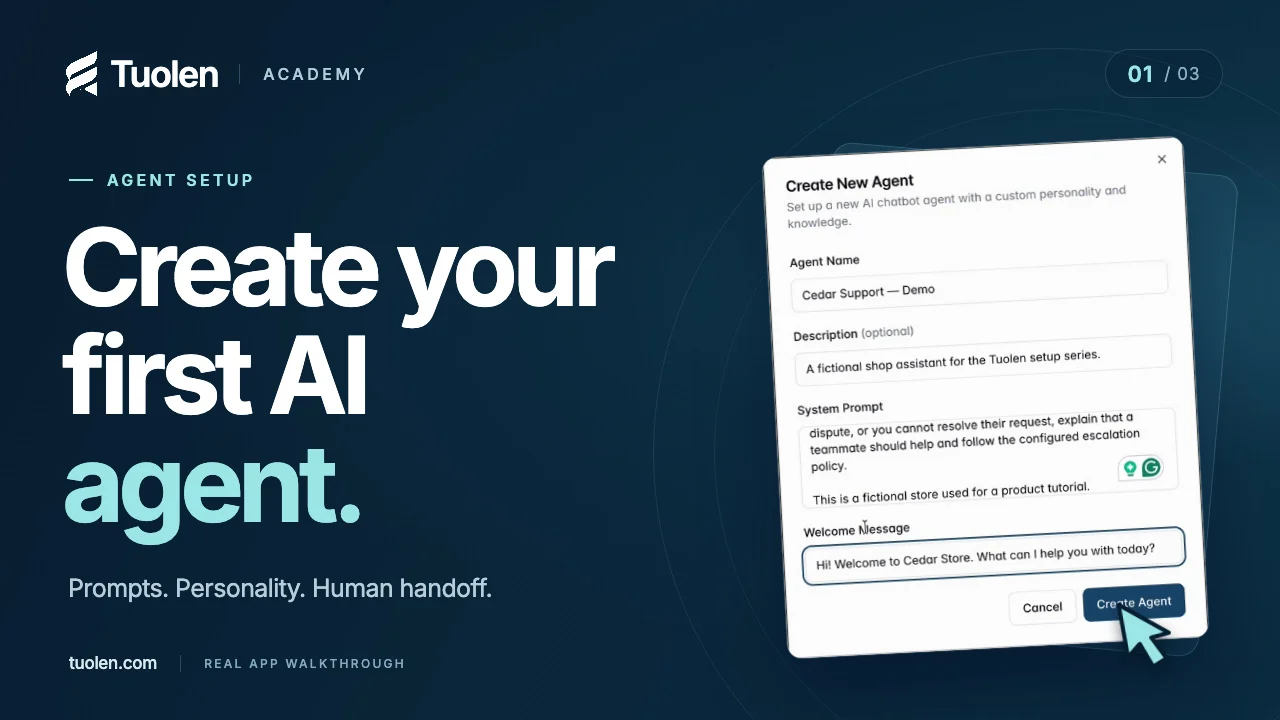 Duration 2:44
Getting startedLesson 01
Create your first AI agent
Give your agent a clear job, a helpful personality, and a plan for when a customer needs a person.
Watch tutorial