
LESSON 03Getting started
Give your agent the right knowledge
Add approved business information, verify processing, and test answers against the source—not just how confident they sound.
What you’ll take away
- Separate behavior instructions from business facts.
- Create a knowledge base and add a focused file, URL, or text source.
- Check processing status and the link to the right agent.
- Test both known and unknown answers in Sandbox.
Make it your own.
Open Knowledge Bases to manage approved sources, then link the collection from your agent’s Knowledge tab.
Try this in Tuolen Sign-in and the appropriate workspace access are required.Read the full transcript
Prefer to read? Here’s the narration, organized by chapter.
Start here
A helpful agent needs reliable information. Let's add a knowledge base in Tuolen, check that it's ready, and test what the agent does when it knows an answer, and when it doesn't.
Behavior versus facts
Remember the distinction: the system prompt explains how to behave. The knowledge base supplies your product details and policies. Keep those facts in clear, approved source material rather than asking the agent to guess.
Create a knowledge base
Open the agent's Knowledge tab, then Add Knowledge Base or Manage Knowledge. Create a collection with a name that describes its purpose. Ours is Cedar Store, Demo Policies. Starting from the agent keeps the context clear.
Add a focused source
Select the collection and choose Upload. The dialog offers File Upload, U R L, and Text. Use files for approved documents, a web address for an accessible page, or text for a short, focused policy.
Give the document a descriptive title, then paste the policy. Our fictional example covers shipping, returns, damaged items, and when a teammate should help. Select Add Text to submit it for processing.
Make the policy specific
Notice how specific the source is. Unused items in their original packaging may be returned within thirty days of delivery. Refund decisions still go to a teammate. Clear conditions are more useful than vague promises.
Verify processing and link
After processing, check the document status. This source shows completed, with three chunks. Chunks are the smaller pieces prepared for retrieval. A successful upload alone isn't enough; wait until processing has finished.
Return to the agent's Knowledge tab. Here we can see one knowledge base linked, and the completed document beneath it. Check both the source and the agent link before testing an answer.
Test known and unknown answers
Now open Sandbox. Ask a question the document should answer: what is your return policy for unused items? This is the real agent response from the recorded session, not a prepared message.
The agent gives the thirty day return window, includes the original packaging condition, and asks for the order number and item. Compare the answer with your source. Don't just check whether the wording sounds confident.
Then ask something the source doesn't cover: do you offer a lifetime warranty? Here, the agent says it doesn't have that information and asks which product we mean. That's better than inventing a warranty.
Keep it reliable
One good answer isn't a complete quality check. Test more questions, exceptions, and human requests. When policies change, update the source, verify processing, and repeat your tests. Keep outdated or contradictory material out of the collection.
Your complete foundation
You now have the full foundation: agent instructions, channel setup, and tested business knowledge. Keep improving it with your team. Visit Tuolen dot com.
 Duration 2:45
Daily workflowsLesson 05
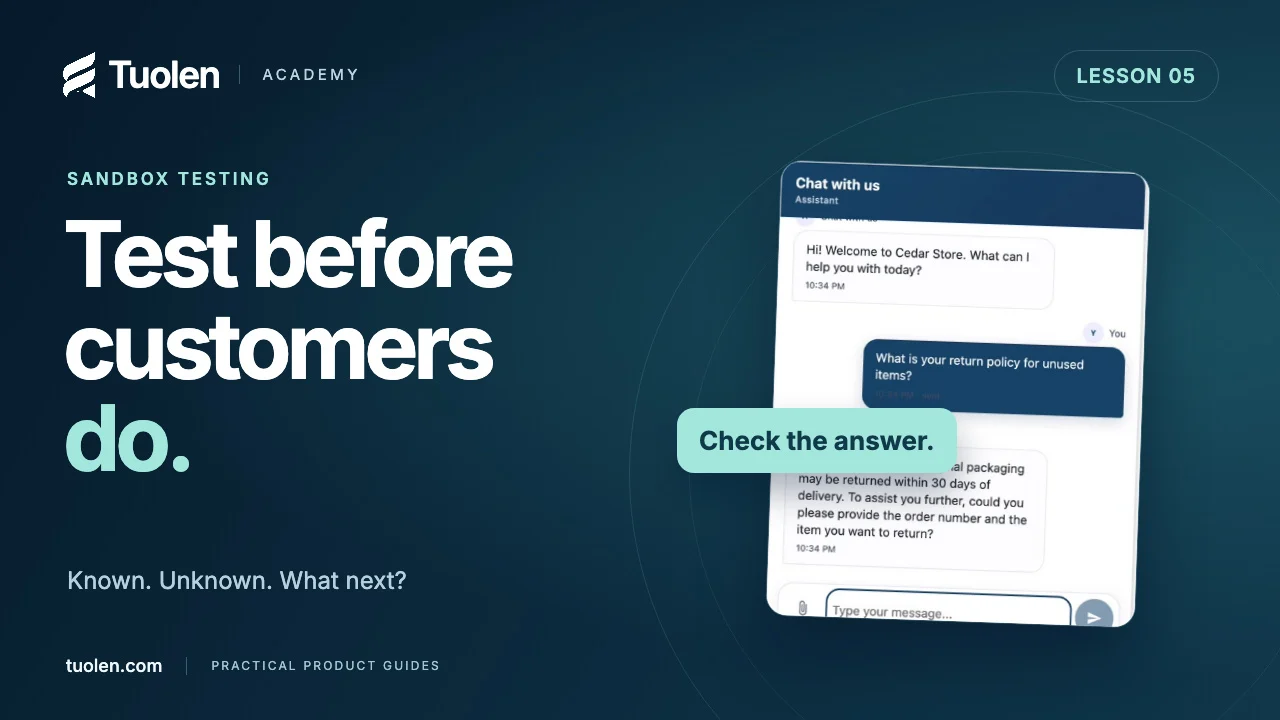
Test your AI agent before customers do
Build a small, repeatable test set for known answers, missing knowledge, policy exceptions, and requests for a person.
Watch tutorial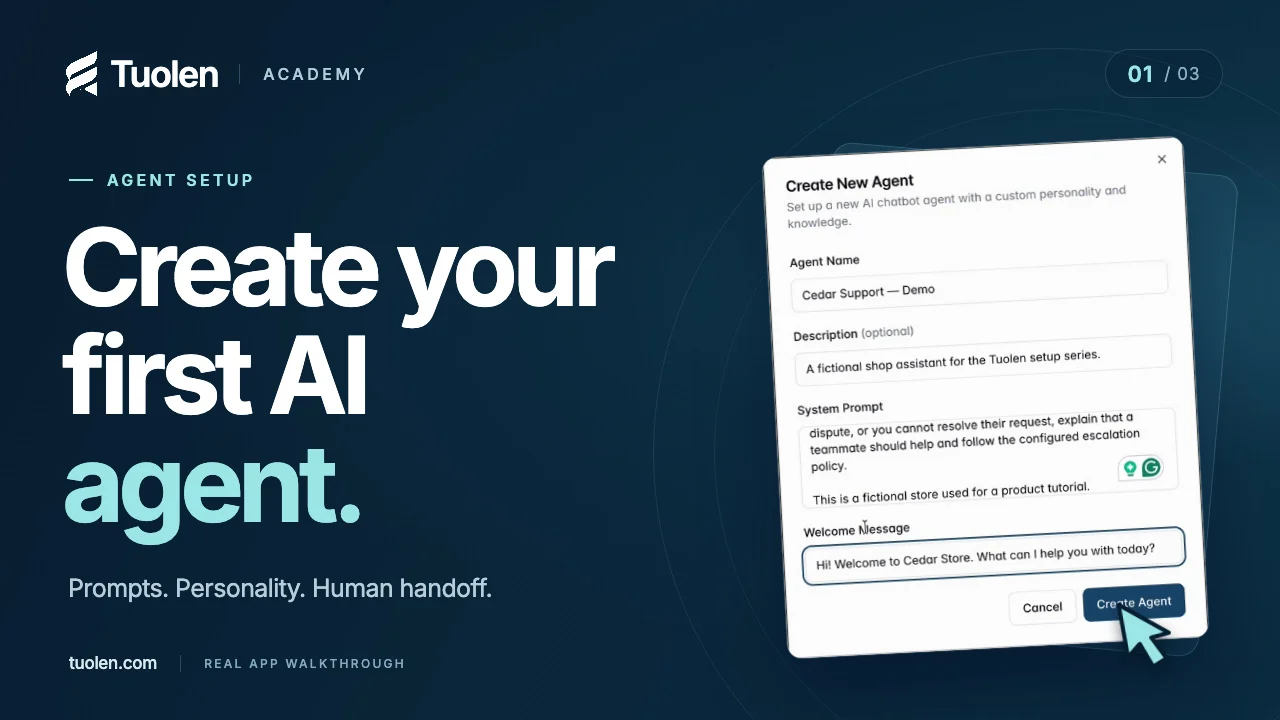 Duration 2:44
Getting startedLesson 01
Create your first AI agent
Give your agent a clear job, a helpful personality, and a plan for when a customer needs a person.
Watch tutorial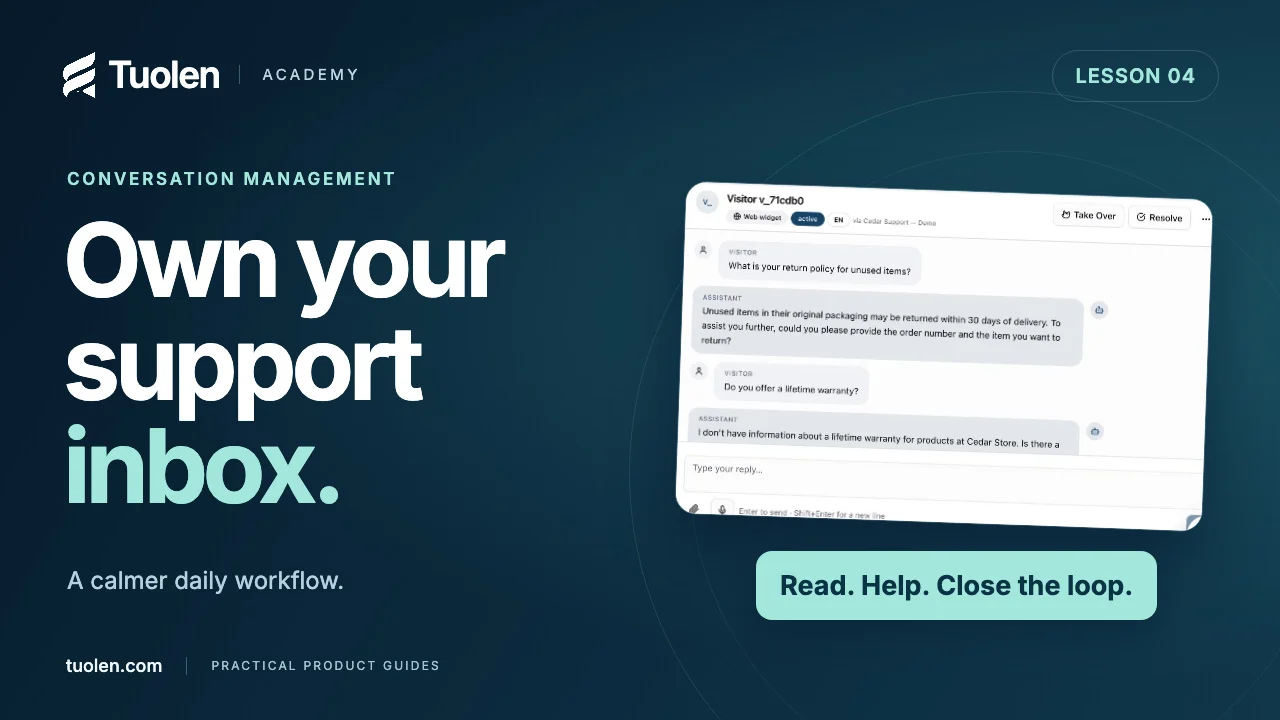 Duration 2:45
Daily workflowsLesson 04
A day in the Tuolen support inbox
Find the right conversation, understand the full history, and turn everyday support work into better answers.
Watch tutorial